
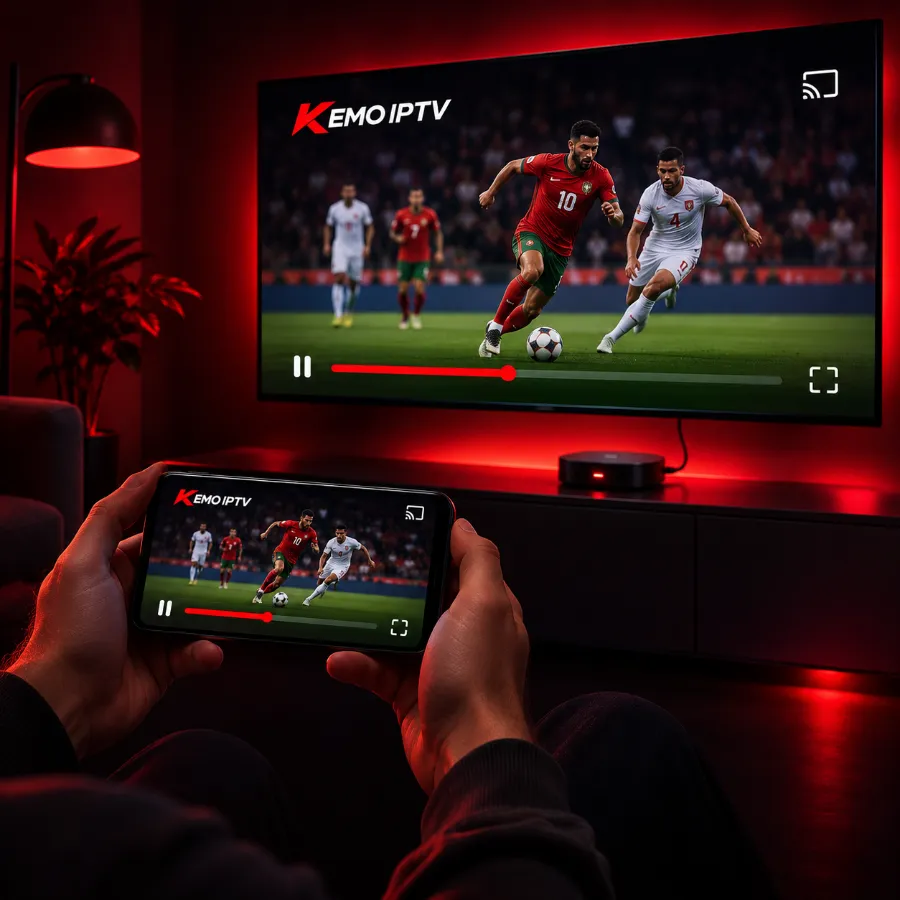
Roku blocks most IPTV player apps, so you cannot install one the way you would on a Firestick. The working method is screen mirroring from an Android phone, a tablet or a Windows PC.
Turn on mirroring on the Roku
- On the Roku open Settings, then System, then Screen mirroring.
- Set the mode to Prompt or Always allow.
Mirror from Android
- Install IPTV Smarters Pro on the phone and add your login, as in the Android guide.
- Swipe down and tap Smart View, Cast or Screen mirroring.
- Pick your Roku and allow it on the TV.
- Play a channel on the phone and turn it sideways.
Mirror from Windows
Press Windows+K, choose the Roku, then play channels in the Smarters desktop app or VLC.
A better long-term setup
Mirroring works, but it drains the phone battery and adds a small delay. If you watch every day, a cheap Firestick or Android TV box gives a far smoother experience.
Need a login first? See the plans or start the free 36-hour trial. Stuck on a step? Message us on WhatsApp.